In 2026, artificial intelligence isn’t just a buzzword—it’s a powerful everyday companion for students. Whether you’re writing assignments, preparing presentations, solving math problems, or organizing your study schedule, AI tools can save time, boost productivity, and improve learning outcomes.
In this guide, you’ll discover the best AI tools for students in 2026 that can help you study smarter—not harder.
Why Students Should Use AI Tools in 2026
Before jumping into the list, let’s understand why AI tools are becoming essential:
- Faster Learning: Get instant explanations for complex topics
- Time Saving: Automate notes, summaries, and research
- Better Accuracy: Reduce errors in writing and calculations
- Personalized Learning: AI adapts to your pace and style
Now, let’s explore the top tools.
1. ChatGPT – Your Personal AI Tutor

Best for: Homework help, explanations, content writing
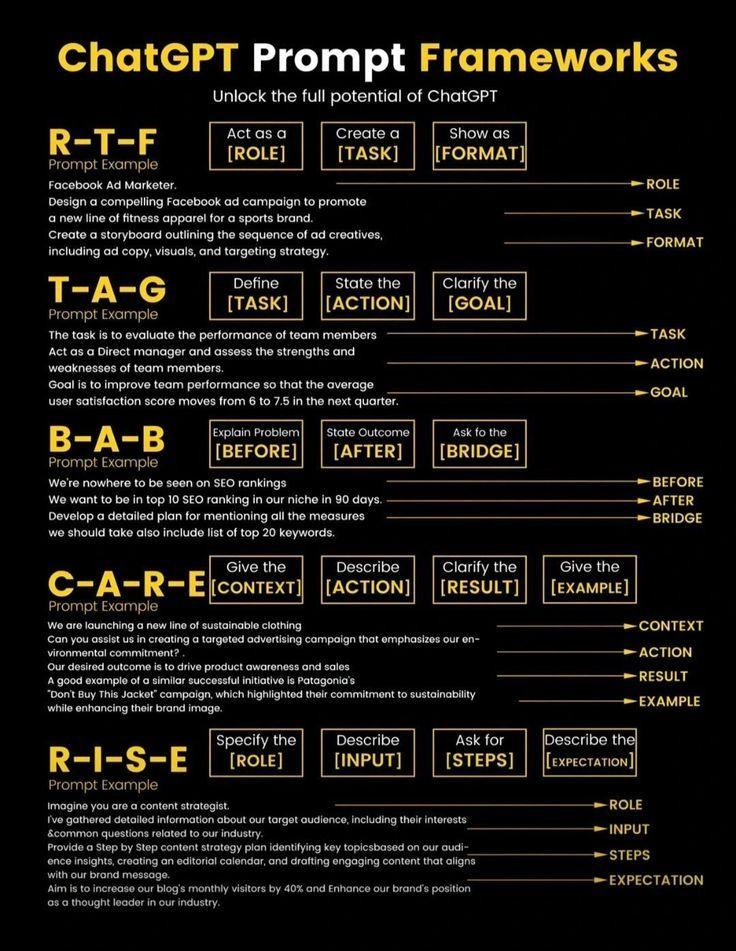
ChatGPT is one of the most powerful AI tools for students. You can ask it questions, get detailed explanations, generate essays, and even create study notes.
Key Features:
- Instant answers to academic questions
- Essay and assignment writing assistance
- Summarization of long topics
- Coding help
Why students love it: It works like a 24/7 tutor.
2. Grammarly – Perfect Your Writing
Best for: Grammar correction, writing improvement
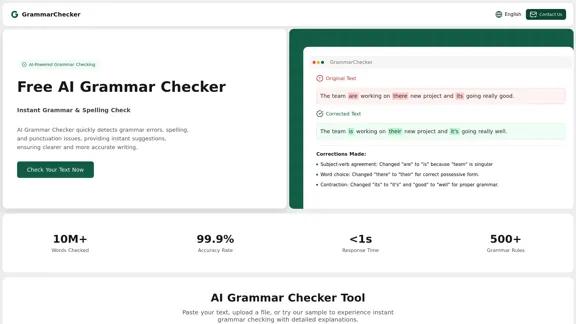
Grammarly helps students write error-free essays, emails, and assignments.
Key Features:
- Grammar and spelling correction
- Tone and clarity suggestions
- Plagiarism checker
- Vocabulary enhancement
Why it’s useful: It makes your writing more professional and clear.
3. Notion AI – Smart Note-Taking
Best for: Notes, organization, productivity
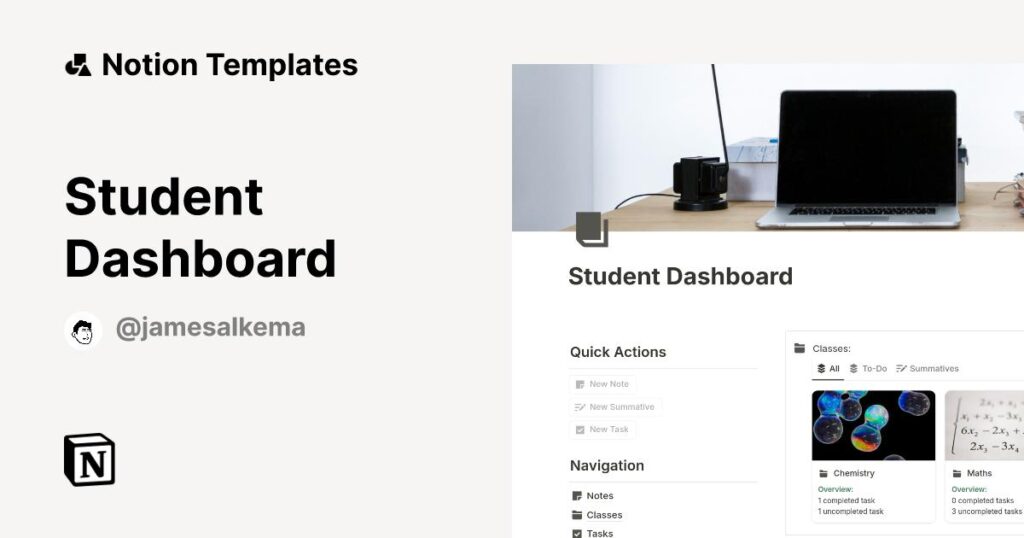
Notion AI helps you organize your study life in one place.
Key Features:
- AI-generated notes and summaries
- Task and schedule management
- Study planner templates
- Collaboration tools
Why students use it: It keeps everything organized and easy to access.
4. QuillBot – Rewrite Like a Pro
Best for: Paraphrasing, summarizing
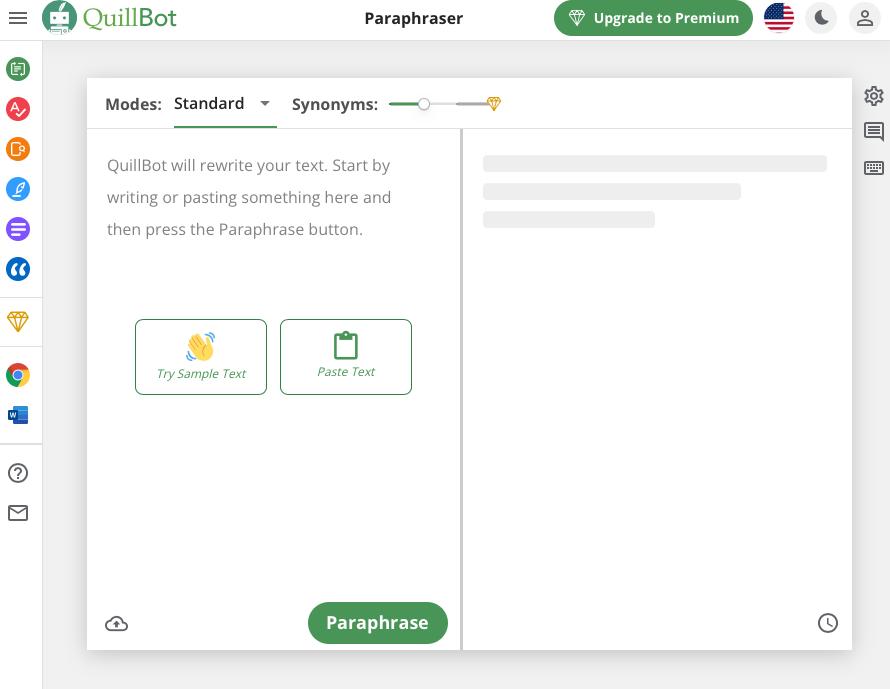
QuillBot is perfect when you want to rewrite content in a better way.
Key Features:
- Paraphrasing tool
- Grammar checker
- Summarizer
- Citation generator
Why it’s helpful: Avoid plagiarism and improve writing quality.
5. Canva – Create Stunning ProjectsBest for: Presentations, posters, visuals
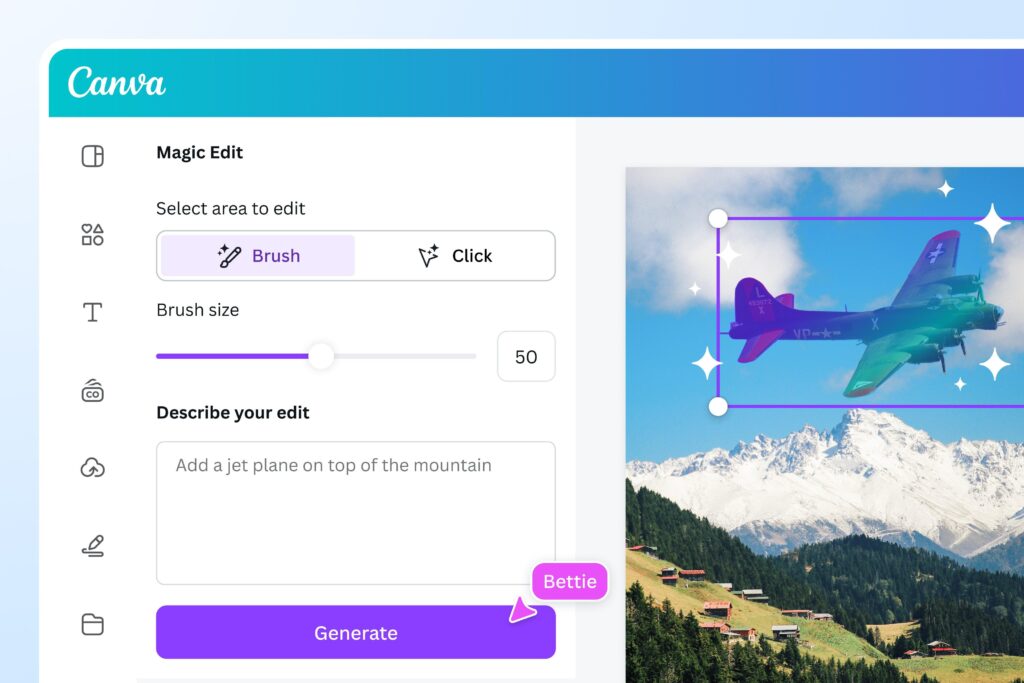
Canva uses AI to help you create beautiful designs easily
Key Features:
- AI-generated designs
- Presentation templates
- Image editing tools
- Video creation
Why students love it: No design skills needed.
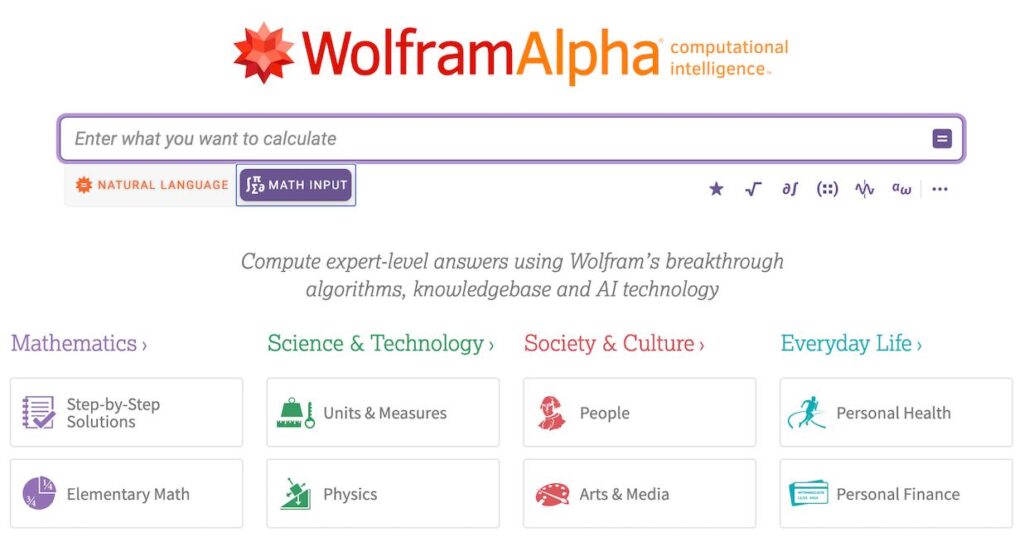
6. Wolfram Alpha – Solve Complex Problems
Best for: Math, science problems
Wolfram Alpha is excellent for solving equations and complex calculations.
Key Features:
- Step-by-step solutions
- Covers math, physics, chemistry
- Data analysis
Why it’s powerful: It explains how to solve problems—not just answers.
7. Otter.ai – Turn Lectures into Notes
Best for: Lecture recording and notes
Otter.ai converts spoken lectures into written notes.
Key Features:
- Real-time transcription
- Audio recording
- Searchable notes
- Collaboration
Why students use it: Never miss important lecture points.
8. Google Gemini – Research Made Easy
Best for: Research, quick answers
Google Gemini helps students find accurate information quickly.
Key Features:
- Smart search results
- Content summarization
- Integration with Google tools
Why it stands out: Fast and reliable research support.
Tips to Use AI Tools Effectively
Using AI tools is great—but using them smartly is even better:
- ✅ Don’t copy-paste blindly—understand the content
- ✅ Use AI for assistance, not replacement
- ✅ Always double-check important information
- ✅ Combine multiple tools for best results
Are AI Tools Safe for Students?
Yes, most AI tools are safe—but you should:
- Avoid sharing personal information
- Use trusted platforms only
- Follow your school’s academic guidelines
Final Thoughts
AI tools are transforming education in 2026. From writing essays to solving complex problems, these tools make studying faster, easier, and more effective.
The key is to use AI wisely—as a helper, not a shortcut. When used correctly, these tools can give you a major advantage in your academic journey.
FAQs About AI Tools for Students
1. Are AI tools free for students?
Many AI tools offer free versions, but premium features may require payment.
2. Can AI tools replace studying?
No. AI tools assist learning but cannot replace understanding and practice.
3. Which is the best AI tool for homework?
ChatGPT is one of the best for homework help and explanations.
4. Is using AI tools considered cheating?
It depends on how you use them. Using AI for help is fine, but copying without understanding may violate rules.
5. Which AI tool is best for writing?
Grammarly and QuillBot are excellent for writing tasks.