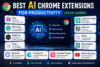
Artificial intelligence has changed the way people work online. In 2026, you no longer need to open a separate AI tool every time you want to summarize an article, improve an email, research a topic, or understand a long document. Many of these tasks can now be handled directly inside your browser with AI Chrome extensions.
The best AI Chrome extensions can help students, freelancers, content creators, marketers, business owners, and professionals reduce repetitive work and spend more time on important tasks.
From AI writing assistants to meeting transcription and webpage summarization, there are plenty of options available. The challenge is deciding which extensions are actually useful.
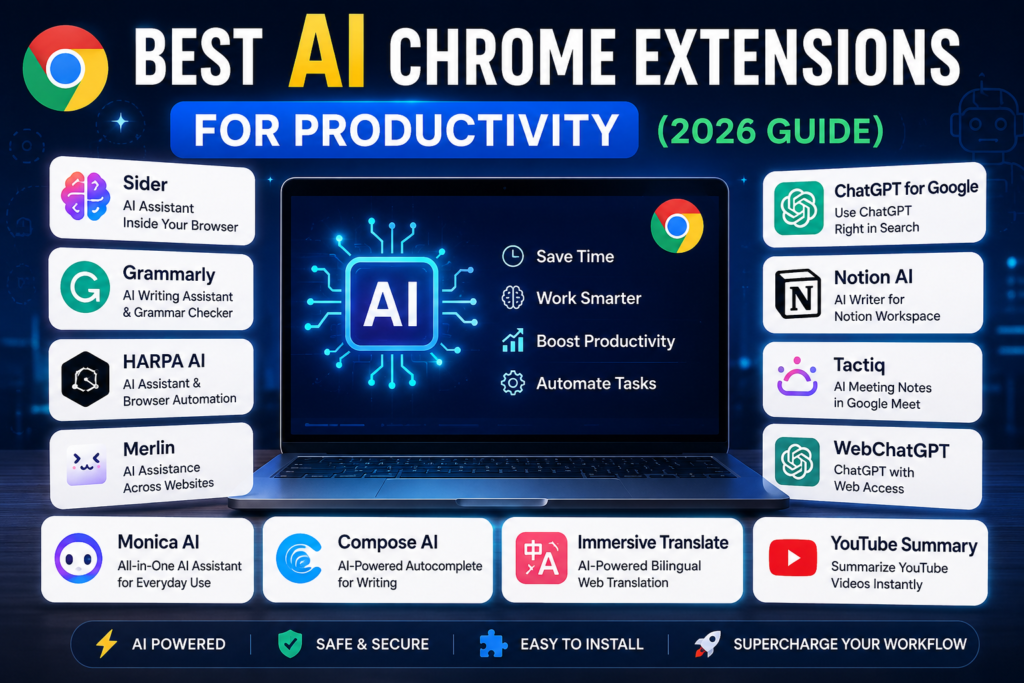
In this guide, we will explore some of the best AI Chrome extensions for productivity in 2026, what they can do, and which types of users may benefit from each.
What Are AI Chrome Extensions?
AI Chrome extensions are browser add-ons that use artificial intelligence to perform tasks while you browse the web.
Instead of constantly copying information from Chrome into another AI platform, an extension can bring AI functionality closer to the webpage you are already using.
Depending on the extension, you may be able to:
- Summarize webpages, PDFs, and videos
- Write and rewrite emails
- Improve grammar and clarity
- Research topics
- Translate content
- Generate social media posts
- Take meeting notes
- Extract information from webpages
- Ask questions about online content
Google also maintains an AI-powered extensions collection in the Chrome Web Store, showing how AI has become a significant category of browser tools.
1. Sider – AI Assistant Inside Your Browser
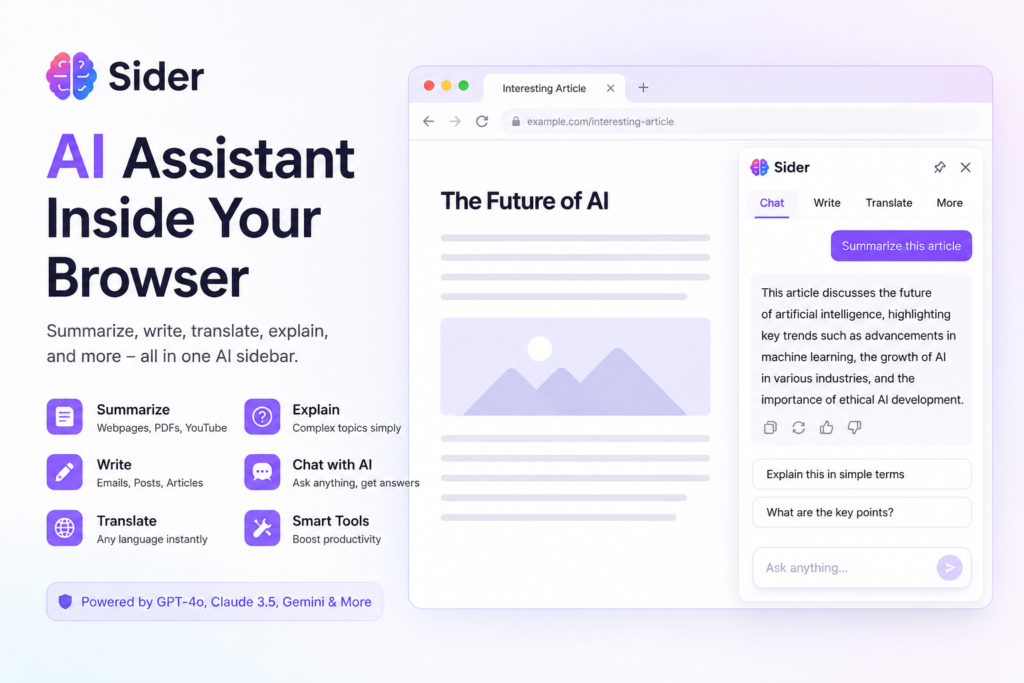
Sider is an all-in-one AI browser assistant designed to work alongside the content you are viewing.
It can help users summarize and understand webpages, PDFs, and YouTube videos without repeatedly moving between different websites. Sider also provides access to multiple AI model families and includes browser automation capabilities for more complex workflows.
Why Sider Is Useful
Its biggest advantage is convenience. Instead of having separate tools for reading, writing, translation, and AI chat, users can access multiple capabilities through a single browser assistant.
Best for: Professionals, researchers, marketers, students, and people who frequently use AI while browsing.
2. Grammarly – AI Writing Assistance
Grammarly remains one of the best-known writing assistants for people who communicate online regularly.
A writing assistant can be especially valuable when your daily work involves emails, documents, client communication, reports, or online content.
Rather than checking writing only after a document is finished, browser-based assistance can help improve communication while you work.
Why Grammarly Can Improve Productivity
Poorly written communication often requires additional editing or clarification. AI-assisted writing can reduce that friction by helping users make their writing clearer and more polished.
It can be particularly helpful for:
Emails, professional messages, blog content, reports, business communication, and everyday writing.
Best for: Professionals, students, writers, freelancers, and business users.
3. HARPA AI – AI Assistant and Browser Automation
HARPA AI combines AI assistance with browser automation.
Users can provide webpage context to AI for tasks such as summarization, research, and question answering. HARPA also offers more than 100 commands and supports tasks such as summarizing YouTube videos with timestamps.
Another interesting feature is webpage monitoring and automation. For example, HARPA can refresh pages automatically and trigger actions when webpage conditions change.
Why HARPA AI Stands Out
Many AI extensions focus primarily on generating text. HARPA goes further by combining AI with web-based workflows.
That makes it potentially useful for repetitive browser tasks, online research, monitoring information, and productivity automation.
Best for: Marketers, researchers, entrepreneurs, advanced AI users, and professionals managing repetitive browser workflows.
4. Merlin – AI Assistance Across Websites
Merlin AI brings AI assistance directly into browsing workflows.
It can summarize and repurpose website content, provide AI-assisted search information, work with uploaded documents, help draft emails, and generate content from YouTube videos.
For someone who regularly switches between research, writing, social media, and email, having these capabilities accessible through a browser extension can reduce unnecessary tab switching.
Where Merlin Can Help
Imagine reading an industry article and needing to turn the information into an email or social media post. Instead of manually moving the content through several applications, an AI assistant can help perform multiple stages of the workflow.
Best for: Content creators, students, marketers, social media professionals, and freelancers.
5. Glasp – AI Summarization and Research
Glasp is particularly useful for people who consume large amounts of online information.
Its Chrome extension can highlight and organize information from webpages and PDFs. Its AI features can also summarize webpages, PDFs, and YouTube videos.
Users can add notes to highlights and export information into tools such as Notion and Obsidian.
Why Glasp Is Useful for Research
Reading information is only one part of research. The harder part is often remembering, organizing, and finding useful information later.
Glasp combines highlighting, note-taking, summarization, and organization, making it useful for building a personal research workflow.
Best for: Students, researchers, bloggers, writers, and lifelong learners.
6. Otter – AI Meeting Transcription
Otter.ai focuses on an entirely different productivity problem: meetings.
The Otter Chrome extension can transcribe Google Meet and Zoom meetings in real time. It can also record and transcribe browser video content from platforms such as YouTube and Vimeo.
This can reduce the need to manually write every important point during a meeting.
Why Meeting Transcription Matters
Meetings can generate a large amount of information: decisions, tasks, ideas, questions, and follow-ups.
AI transcription gives users a written record they can review after the meeting instead of relying entirely on memory or handwritten notes.
Best for: Remote teams, managers, consultants, students, sales professionals, and people who attend frequent online meetings.
7. ChatGPT Search Chrome Extension
ChatGPT Search offers a different approach to AI browser productivity.
OpenAI provides a Chrome extension that can set ChatGPT Search as the browser’s default search experience. After installation, queries entered through Chrome’s address bar can be sent directly to ChatGPT Search.
For users who frequently use AI to research topics or answer questions, this can reduce the number of steps required to start an AI-powered search.
Why It Can Save Time
Traditional online research may involve searching, opening several pages, reading them individually, and combining the information yourself.
AI search can make the early stages of research faster by providing a synthesized starting point, although important information should still be checked against reliable sources.
Best for: Researchers, professionals, students, entrepreneurs, and frequent ChatGPT users.
How to Choose the Best AI Chrome Extension
The best extension depends on the problem you want to solve.
For writing and communication, a writing-focused assistant such as Grammarly may be more useful.
For research and summarization, Glasp, Sider, or Merlin may fit better.
For meetings, Otter provides specialized transcription capabilities.
For browser automation, HARPA AI or the automation features offered by broader AI browser assistants may be more appropriate.
Avoid installing every AI extension you find. Several extensions may perform similar tasks, which can create unnecessary browser clutter.
A smaller toolkit that matches your actual workflow is usually more productive.
Are AI Chrome Extensions Safe?
Chrome extensions can request access to webpages, browser data, or other information depending on what they need to function.
That means users should check an extension carefully before installing it.
Review the permissions requested during installation, use official listings whenever possible, and check the developer and privacy information. This is particularly important when your browser is used for confidential client data, financial information, company accounts, or sensitive documents.
AI productivity is useful only when it does not create unnecessary privacy or security risks.
How AI Chrome Extensions Can Improve Productivity in 2026
The biggest advantage of browser-based AI is not simply that it can generate text.
It can reduce friction.
Without browser integration, a simple task might require copying content, opening another AI service, writing a prompt, processing the result, and returning to the original webpage.
An extension can shorten that process by bringing AI closer to the task itself.
That may mean summarizing a long article before reading it, generating an email while viewing the relevant information, transcribing a meeting automatically, or asking questions about a PDF directly from your browser.
Used correctly, AI Chrome extensions can become small productivity assistants embedded into everyday online work.
Final Thoughts
The best AI Chrome extensions for productivity in 2026 are the ones that remove repetitive steps from your daily workflow.
Sider provides broad AI assistance inside the browser. Grammarly can help improve writing and communication. HARPA AI combines artificial intelligence with browser automation. Merlin supports research and content workflows, while Glasp is particularly useful for learning and online research. Otter can save time during meetings through transcription, and the ChatGPT Search extension can make AI-powered searching accessible directly from Chrome’s address bar.
You do not need all of them.
Identify where you spend the most time during your workday and choose one or two extensions that address those specific tasks. A carefully selected AI toolkit can help you research faster, communicate more effectively, and reduce repetitive browser work.
Frequently Asked Questions
What is the best AI Chrome extension for productivity in 2026?
There is no single extension that is best for everyone. Sider is useful for broad browser-based AI assistance, while tools such as Grammarly, Glasp, Otter, and HARPA AI specialize in different productivity tasks.
Are AI Chrome extensions free?
Many AI Chrome extensions offer free access or limited free features, but advanced functionality may require a paid plan. Pricing and usage limits can change, so check the extension’s current official information before subscribing.
Which AI Chrome extension is best for students?
Glasp can be particularly useful for students because it supports webpage and PDF highlighting, notes, and AI summaries. Students who frequently research online may also benefit from general-purpose AI browser assistants.
Which AI extension is best for meetings?
Otter is designed for meeting transcription and supports Google Meet and Zoom through its Chrome extension.
Can AI Chrome extensions summarize YouTube videos?
Yes. Extensions including Glasp, Sider, HARPA AI, and Merlin offer features related to understanding or summarizing YouTube content. Features and limits can vary by tool and plan.
Can AI Chrome extensions improve business productivity?
Yes. They can assist with research, emails, content creation, meetings, summarization, and repetitive browser workflows. Businesses should still evaluate privacy and security before using extensions with confidential information.